Best ChatGPT Alternatives 2026: 8 Tools That Actually Deliver
The best ChatGPT (by Openai) alternatives in 2026 are not just “ChatGPT but cheaper.” Several of them outperform it in specific areas — Claude writes better long-form content, Perplexity is more reliable for research, DeepSeek costs a fraction of the price, and Gemini is the obvious choice if you live inside Google’s ecosystem. This guide covers eight ChatGPT alternatives worth your time, with verified pricing and honest verdicts on who each one is actually for.
How We Tested
We evaluated each tool across five criteria: output quality on writing tasks, research accuracy, ease of use for non-technical users, free tier generosity, and overall value for money. Each tool was tested on identical prompts — a 500-word article intro, a research question requiring current information, and a structured email. Pricing was verified directly from each tool’s official pricing page in June 2026.
Quick Comparison: Best ChatGPT Alternatives 2026
| Tool | Best For | Free Plan | Starting Price | Our Score |
|---|---|---|---|---|
| Claude | Long-form writing, analysis | Yes — limited | $20/month (Pro) | 9.2/10 |
| Google Gemini | Google Workspace users | Yes — generous | $7.99/month (AI Plus) | 8.8/10 |
| Perplexity | Research with citations | Yes — 3 Pro searches/day | $20/month (Pro) | 8.6/10 |
| Microsoft Copilot | Microsoft 365 users | Yes — basic | Free / $20/month add-on | 8.0/10 |
| DeepSeek | Budget users, developers | Yes — unlimited chat | Free (API pay-per-use) | 8.2/10 |
| Grok | X users, real-time info | Yes — limited | $10/month (Lite) | 7.8/10 |
| Mistral Le Chat | Privacy-conscious users | Yes | Free / API pricing | 7.5/10 |
| HyperWrite | Browser-based writing | Yes — limited | $19.99/month (Premium) | 7.4/10 |
1. Claude — Best ChatGPT Alternative for Writing and Analysis
| Our Score | 9.2/10 |
| Best For | Long-form writing, document analysis, structured reasoning |
| Starting Price | $20/month (Pro) |
| Free Plan | Yes — limited daily messages, rolling 5-hour reset |
Pros ✓ Consistently the best output quality for long-form writing tasks ✓ 200K token context window — handles entire documents, reports, and codebases ✓ Refuses less often than ChatGPT on nuanced or edge-case requests ✓ Claude Pro includes access to the latest Sonnet and Opus models
Cons ✗ Free tier message limits are opaque — you hit them without warning ✗ No image generation on any plan ✗ Max plan ($100–$200/month) is expensive for casual users
Claude is Anthropic’s AI assistant and the most credible ChatGPT alternative for anyone whose primary use case is writing. In testing, Claude consistently produced the most coherent, well-structured long-form output of any tool on this list. Where ChatGPT tends toward safe, hedged phrasing, Claude commits to a position and writes with more natural authority.
The free tier is genuinely usable for light tasks, though the rolling 5-hour usage limit means heavy users will hit the ceiling quickly. Claude Pro at $20/month brings the full model suite and meaningfully higher limits — for most writers and content creators, this is the right plan. The Max tiers ($100/month and $200/month) exist purely for heavy daily users who need more headroom, not different features.
Pricing
| Plan | Monthly | Annual | Key Limits |
|---|---|---|---|
| Free | $0 | $0 | Limited messages, rolling 5-hour reset |
| Pro | $20/month | $17/month | ~5x free tier limits, priority access |
| Max 5x | $100/month | N/A | 5x Pro limits |
| Max 20x | $200/month | N/A | 20x Pro limits |
Who it’s best for: Writers, content creators, researchers, and anyone who spends significant time drafting long-form content. Claude handles nuanced, structured writing tasks better than any other tool on this list.
Who should look elsewhere: If you need image generation, real-time web search on the free tier, or you’re already paying for Microsoft 365 and want AI baked into Word and Outlook — other options serve those needs better.
2. Google Gemini — Best for Google Workspace Users
| Our Score | 8.8/10 |
| Best For | Google Workspace users, research, multimodal tasks |
| Starting Price | $7.99/month (AI Plus) |
| Free Plan | Yes — Gemini 3.5 Flash with daily Gemini 3.1 Pro access |
Pros ✓ Free tier is one of the most generous in the market — real model access, not a teaser ✓ Deep Google Workspace integration (Gmail, Docs, Sheets, Drive) ✓ Real-time web search baked in on all tiers ✓ AI Plus at $7.99/month is the best-value paid entry point of any tool here
Cons ✗ Weaker than Claude for long-form creative writing ✗ Pricing structure is confusing — multiple plan names (AI Plus, AI Pro, AI Ultra) ✗ Some advanced features (Veo video, full Deep Research quota) locked to higher tiers
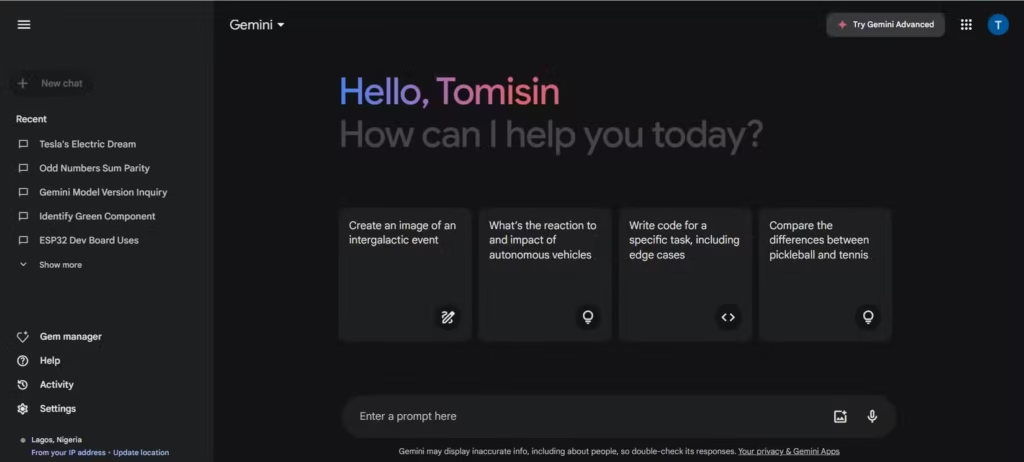
Google Gemini is the most compelling ChatGPT alternative for anyone already inside the Google ecosystem. The integration with Gmail, Google Docs, and Google Sheets is genuine — not a bolt-on. You can draft emails directly in Gmail, summarise documents in Drive, and generate content in Docs without switching tabs.
The free tier runs on Gemini 3.5 Flash (Google’s latest fast model as of May 2026) with a daily allowance of the more capable Gemini 3.1 Pro for harder tasks. For casual users, the free plan is legitimately sufficient. The AI Plus plan at $7.99/month adds more Gemini 3.1 Pro access and 200GB of Google One storage — it’s the best-value paid AI subscription currently available if you’re in the Google ecosystem.
Pricing
| Plan | Monthly | Key Features |
|---|---|---|
| Free | $0 | Gemini 3.5 Flash, limited 3.1 Pro, 5 Deep Research/month |
| AI Plus | $7.99 | More 3.1 Pro access, 200GB Google One storage |
| AI Pro | $19.99 | Full 3.1 Pro, 20 Deep Research/day, 2TB storage |
| AI Ultra | $99.99+ | Maximum capabilities, Veo video generation |
Who it’s best for: Anyone who uses Gmail, Google Docs, or Google Drive daily. The AI Plus plan at $7.99/month is almost a no-brainer if you’re already paying for Google One.
Who should look elsewhere: Writers who need top-tier long-form output quality, or users who need a tool independent of the Google ecosystem for privacy reasons.
3. Perplexity — Best ChatGPT Alternative for Research
| Our Score | 8.6/10 |
| Best For | Research, fact-checking, current events |
| Starting Price | $20/month (Pro) |
| Free Plan | Yes — 3 Pro searches/day, unlimited standard searches |
Pros ✓ Every answer includes inline citations linking to sources — unique in this category ✓ Real-time web access on all tiers, including free ✓ Pro plan gives access to Claude, GPT-4, and Gemini models in one subscription ✓ Free tier is genuinely useful for casual research
Cons ✗ Not a general-purpose writing tool — weaker than Claude or ChatGPT for content creation ✗ Some users report quiet quota reductions on Pro subscriptions — worth starting monthly before committing annually ✗ No image generation or code execution on any plan
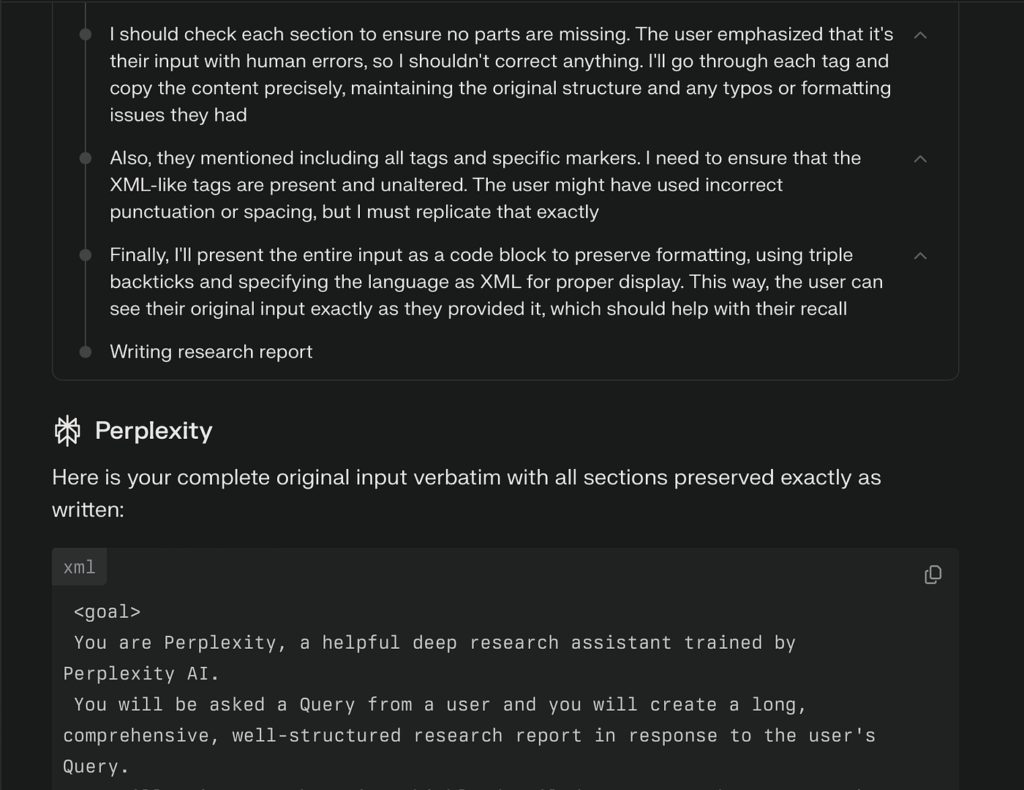
Perplexity is a fundamentally different product from the other tools on this list. It’s an AI search and answer engine, not a general-purpose chatbot. Every response cites its sources with inline links — which means you can verify any claim in one click. For research tasks, fact-checking, and anything where you need current information with provenance, it’s the most purpose-built option available.
The free tier gives you unlimited standard searches plus 3 Pro searches per day. Pro searches use frontier models (including Claude and GPT-4) for deeper analysis — the 3-per-day limit is a real constraint for heavy research users, but for occasional use it’s enough to evaluate whether the Pro plan is worth it.
At $20/month, Perplexity Pro is effectively a multi-model subscription — you get Claude, GPT-4, and Gemini with live web search attached. That’s a strong value proposition if research is your primary use case.
Pricing
| Plan | Monthly | Annual | Key Features |
|---|---|---|---|
| Free | $0 | $0 | 3 Pro searches/day, unlimited standard |
| Pro | $20/month | $16.67/month | Unlimited Pro searches, multi-model access |
| Max | $200/month | N/A | Heavy power users, maximum limits |
Who it’s best for: Researchers, journalists, students, and content creators who need accurate, sourced information quickly. Also strong for anyone who wants multi-model access (Claude + GPT-4 + Gemini) in one interface.
Who should look elsewhere: Anyone whose primary need is writing assistance, creative content, or image generation. Perplexity is a research tool first.
4. Microsoft Copilot — Best for Microsoft 365 Users
| Our Score | 8.0/10 |
| Best For | Microsoft 365 users, workplace productivity |
| Starting Price | Free (basic) / $20/month add-on for M365 integration |
| Free Plan | Yes — basic AI chat at copilot.microsoft.com |
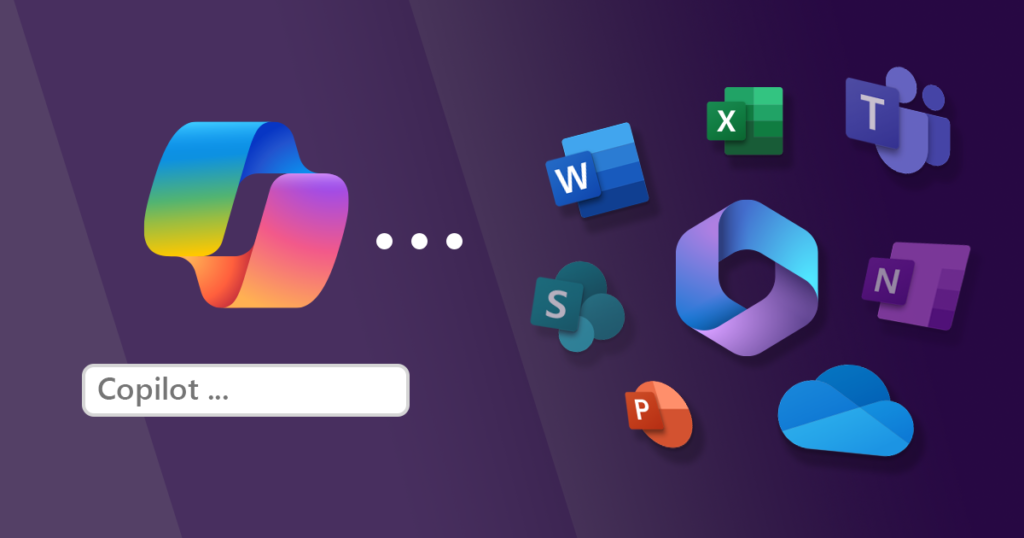
Pros ✓ Free basic version available at copilot.microsoft.com — no Microsoft 365 required ✓ Deep integration with Word, Excel, PowerPoint, Outlook, and Teams on paid plans ✓ Real-time web search included on all tiers ✓ Strong for workplace document tasks
Cons ✗ Genuinely confusing pricing — multiple plans, multiple product lines ✗ Deep Office integration requires both a Microsoft 365 subscription AND the Copilot add-on ✗ Weaker than Claude for pure writing quality ✗ The standalone free version is significantly less capable than the full Microsoft 365 integration
Microsoft Copilot is the most contextually powerful option for anyone already deep in the Microsoft ecosystem — but it comes with pricing complexity that requires careful reading. The free version at copilot.microsoft.com gives you basic AI chat and web search. The Copilot Pro add-on ($20/month) gives priority model access and Microsoft 365 app integration — but you need an existing Microsoft 365 subscription for the Office integration to work.
For business users who already pay for Microsoft 365, Copilot’s integration with Word, Excel, and Outlook is genuinely valuable. It can summarise email threads in Outlook, generate first drafts in Word, and analyse data in Excel. For individuals who don’t use the Microsoft suite daily, it’s a less compelling option than Claude or Gemini.
Pricing
| Plan | Monthly | Notes |
|---|---|---|
| Free | $0 | Basic chat at copilot.microsoft.com |
| Copilot Pro | $20/month | Priority access + M365 integration (requires M365 subscription) |
| M365 Copilot Business | $18/user/month | Full Office integration for teams (annual, promotional rate) |
Who it’s best for: Business users and teams already paying for Microsoft 365 who want AI assistance inside Word, Outlook, Excel, and Teams.
Who should look elsewhere: Individuals who don’t use Microsoft 365 daily — the free version is basic, and the paid tiers only shine inside the Office suite.
5. DeepSeek — Best Free ChatGPT Alternative
| Our Score | 8.2/10 |
| Best For | Budget users, developers, technical tasks |
| Starting Price | Free (chat) / $0.14 per million tokens (API) |
| Free Plan | Yes — unlimited chat at chat.deepseek.com |
Pros ✓ Completely free chat interface — no subscription, no message caps on standard use ✓ Reasoning capabilities are genuinely impressive for a free tool ✓ API pricing is 35–100x cheaper than equivalent OpenAI or Anthropic models ✓ Open source — can be self-hosted
Cons ✗ Known censorship limitations on politically sensitive topics ✗ Writing quality trails Claude and GPT-4 for creative and long-form tasks ✗ Privacy considerations — data processed on Chinese servers ✗ Occasional availability issues during peak demand
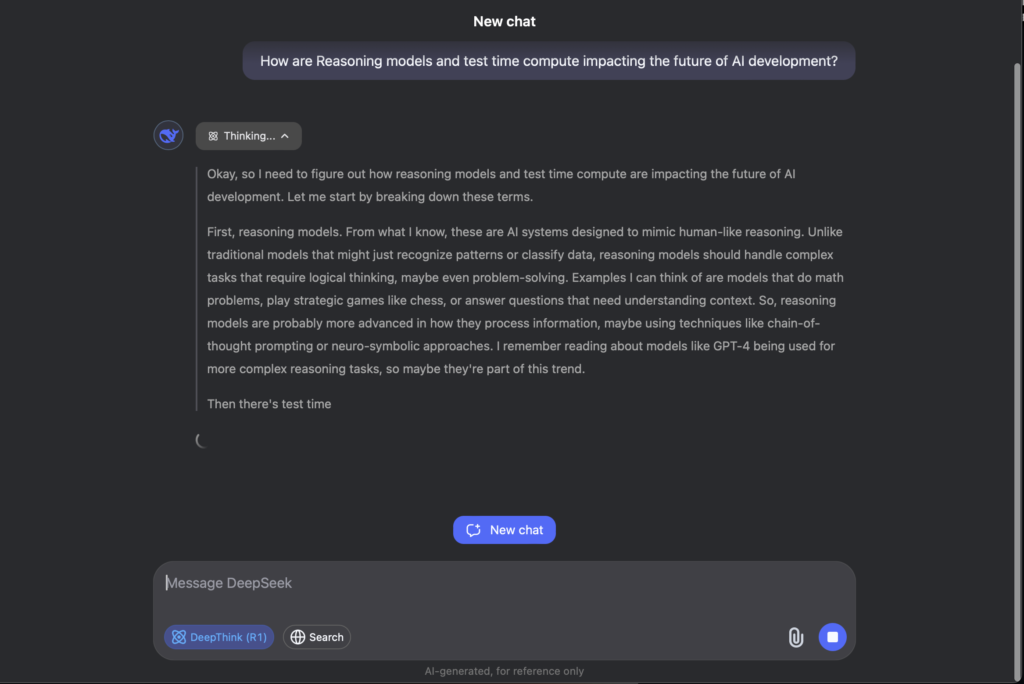
DeepSeek is the most significant free ChatGPT alternative to emerge in 2026. The chat interface at chat.deepseek.com is completely free with no meaningful usage caps for standard conversations. The underlying model (DeepSeek V4) produces genuinely strong output for technical tasks, structured reasoning, and factual questions — competitive with paid tools in many scenarios.
The API pricing is extraordinary: DeepSeek V4 Flash costs $0.14 per million input tokens, compared to $3/million for Claude Sonnet or $1.75/million for GPT-4. For developers building AI applications, it’s the obvious cost-saving option.
The caveats are real. DeepSeek applies censorship filters on certain topics — users report it refuses or deflects questions about politically sensitive subjects. Data is processed on servers in China, which is a meaningful privacy consideration for business use. And for creative writing tasks, Claude and ChatGPT produce noticeably better output.
Pricing
| Access | Cost | Notes |
|---|---|---|
| Web chat | Free | Unlimited standard conversations |
| API — V4 Flash | $0.14/M input, $0.28/M output | Fastest, most affordable |
| API — V4 Pro | $0.435/M input, $0.87/M output | Higher capability |
Who it’s best for: Budget-conscious users who need a capable free AI tool for everyday tasks, and developers who need affordable API access for building applications.
Who should look elsewhere: Anyone with privacy concerns about data processed in China, users who need creative writing quality, or anyone whose topics might trigger censorship filters.
6. Grok — Best for Real-Time Information
| Our Score | 7.8/10 |
| Best For | X (Twitter) users, real-time news, current events |
| Starting Price | $10/month (SuperGrok Lite) |
| Free Plan | Yes — limited queries at grok.com |
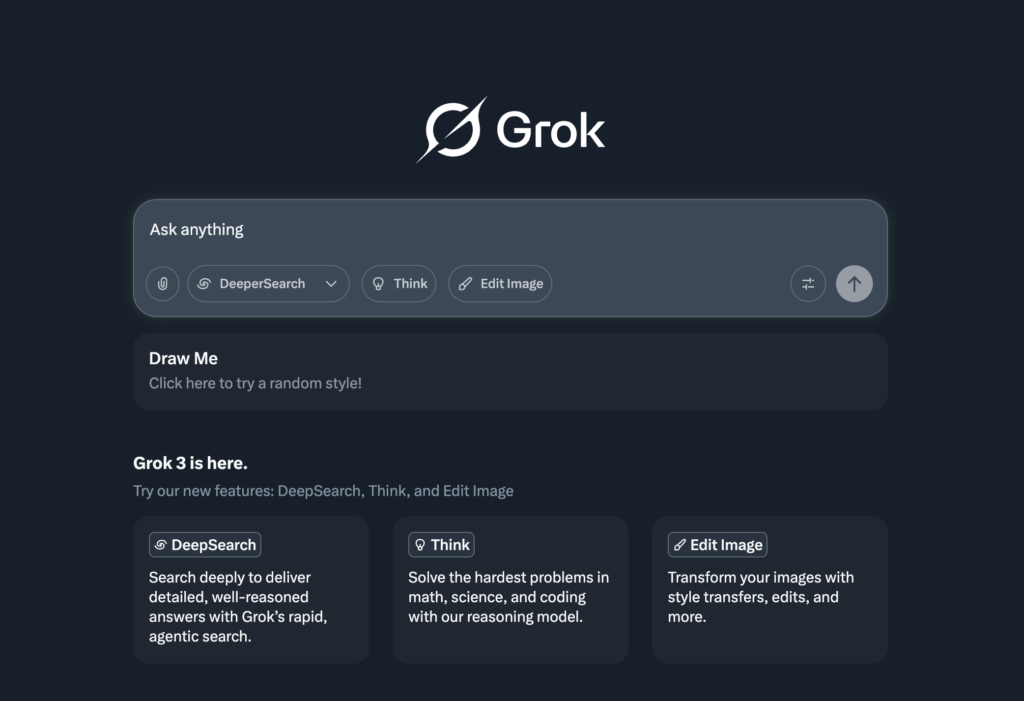
Pros ✓ Real-time access to X (Twitter) data — unique capability no other tool offers ✓ DeepSearch mode for in-depth web research ✓ SuperGrok at $30/month undercuts X Premium+ ($40/month) for standalone AI use ✓ Strong reasoning capabilities on paid tiers
Cons ✗ Free tier is significantly limited — query caps are low ✗ $30/month is 50% more expensive than Claude Pro or ChatGPT Plus ✗ Personality can be erratic — tone is less consistent than Claude or Gemini ✗ Privacy considerations given xAI/Elon Musk ownership for some users
Grok is xAI’s AI assistant, and its standout differentiator is access to X (Twitter) data in real time. No other tool on this list can search and synthesise current conversations, trending topics, or breaking news from X. For journalists, social media managers, and anyone tracking real-time discourse, that’s a genuine capability advantage.
The free tier at grok.com provides basic chat with low query limits. Paid access runs from $10/month (SuperGrok Lite) up to $30/month (SuperGrok) for full features including DeepSearch, Big Brain extended thinking mode, and voice mode. SuperGrok at $30/month is more expensive than most alternatives — the premium is justified only if the X data access is genuinely useful to your workflow.
Pricing
| Plan | Monthly | Annual | Key Features |
|---|---|---|---|
| Free | $0 | — | Basic chat, limited queries |
| SuperGrok Lite | $10 | — | Grok 3.5 access, basic features |
| SuperGrok | $30 | $25/month | Full Grok 4, DeepSearch, Big Brain, voice |
| X Premium+ | $40 | — | SuperGrok + ad-free X experience |
Who it’s best for: X power users, journalists tracking real-time events, and social media professionals who need live X data access in their AI workflow.
Who should look elsewhere: Anyone who doesn’t use X regularly — the X data advantage doesn’t justify the price premium, and Claude or Gemini deliver better output quality at the same or lower cost.
7. Mistral Le Chat — Best for Privacy-Conscious Users
| Our Score | 7.5/10 |
| Best For | Privacy-focused users, European businesses, multilingual tasks |
| Starting Price | Free / API pay-per-token |
| Free Plan | Yes — Le Chat free tier |
Pros ✓ European company — GDPR-native, no data shared with US tech giants ✓ Genuinely strong multilingual capability ✓ Open-source models available for self-hosting ✓ Competitive output quality for a free tool
Cons ✗ Smaller ecosystem and fewer integrations than US competitors ✗ Less capable than Claude or GPT-4 on complex reasoning tasks ✗ Less established — fewer community resources and tutorials
Mistral is a French AI company building what it explicitly calls a European, privacy-first alternative to US AI providers. Le Chat, its consumer chatbot, is available free at mistral.ai and produces competitive output for general writing and research tasks. The open-source angle means businesses with strong data sovereignty requirements can self-host Mistral models entirely.
For European businesses navigating GDPR requirements, Mistral is the most straightforward compliance choice. For individual users prioritising privacy over raw capability, Le Chat is a credible free option. It’s not the strongest tool on this list for output quality — Claude and Gemini are clearly ahead — but it’s the strongest option where European data residency and privacy are non-negotiable.
Pricing
| Access | Cost |
|---|---|
| Le Chat (web) | Free |
| API — Mistral Small | $0.10/M input, $0.30/M output |
| API — Mistral Medium | Custom pricing |
Who it’s best for: European businesses with GDPR requirements, users who prioritise data sovereignty, and anyone who needs strong multilingual capability.
Who should look elsewhere: Users whose priority is maximum output quality — Claude and Gemini are stronger for writing and reasoning tasks.
8. HyperWrite — Best Browser-Native Writing Assistant
| Our Score | 7.4/10 |
| Best For | Writers who want AI assistance inside the browser |
| Starting Price | $19.99/month (Premium) |
| Free Plan | Yes — limited generations |
Pros ✓ Browser extension works inside any website — Gmail, Google Docs, LinkedIn, anywhere ✓ TypeAhead feature suggests completions as you type in real time ✓ Strong for short-form copy: emails, social posts, ad copy ✓ Flat $5 per paid subscriber affiliate commission — decent for writers recommending it
Cons ✗ Output quality for long-form content trails Claude significantly ✗ Free tier is restrictive — limited to a small number of generations per month ✗ Less well-known than other tools — fewer integrations and community resources ✗ $19.99/month is expensive relative to Claude Pro for the output quality delivered
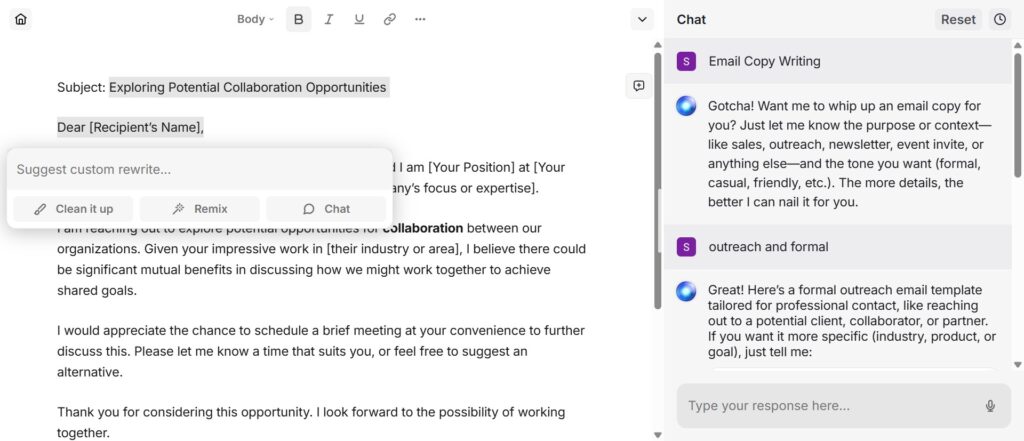
HyperWrite takes a different approach to the rest of this list. Rather than a standalone chat interface, its primary product is a browser extension that places AI assistance directly inside whatever you’re working in. Write an email in Gmail — HyperWrite suggests completions. Draft a LinkedIn post — it helps in the text field. Fill out a form — it can autocomplete based on context.
For non-technical users who find switching between browser tabs to use an AI tool disruptive, HyperWrite’s embedded approach is genuinely useful. The TypeAhead real-time completion is the standout feature — it’s the closest experience to having AI assistance that feels native to your workflow.
The limitation is output quality. For short tasks — emails, quick social posts, brief copy — it performs well. For anything longer or more nuanced, Claude delivers meaningfully better results at the same price point.
Pricing
| Plan | Monthly | Key Features |
|---|---|---|
| Free | $0 | Limited generations per month |
| Premium | $19.99 | Unlimited generations, all features |
| Ultra | $44.99 | Priority access, advanced features |
Who it’s best for: Writers and professionals who want AI assistance embedded directly inside their browser workflow — particularly for emails, social content, and short-form copy.
Who should look elsewhere: Anyone whose primary need is long-form writing or deep research — Claude or Perplexity deliver better results for those tasks.
How to Choose the Right ChatGPT Alternative
| Your situation | Best choice |
|---|---|
| I need the best writing quality available | Claude Pro ($20/month) |
| I already use Gmail, Docs, and Drive daily | Google Gemini AI Plus ($7.99/month) |
| I need reliable research with cited sources | Perplexity Pro ($20/month) |
| I’m already paying for Microsoft 365 | Microsoft Copilot (add-on to existing plan) |
| I want the best free option with no subscription | DeepSeek (free chat) or Claude free tier |
| I track real-time events and use X (Twitter) | Grok SuperGrok ($30/month) |
| Privacy and GDPR compliance matter most | Mistral Le Chat (free) |
| I want AI help inside my browser as I type | HyperWrite Premium ($19.99/month) |
ChatGPT Alternatives vs ChatGPT Plus: Is It Worth Switching?
ChatGPT Plus costs $20/month and gives you access to GPT-4, image generation via DALL-E, and a broad plugin ecosystem. It remains the most versatile general-purpose AI tool available. But versatility isn’t the same as being the best for every task.
If writing quality is your priority, Claude Pro at the same price produces better long-form output. If you’re inside Google’s ecosystem, Gemini AI Plus at $7.99/month saves you $12/month with comparable capability for most tasks. If research accuracy matters most, Perplexity Pro at $20/month gives you cited sources ChatGPT doesn’t provide by default.
The honest answer: ChatGPT Plus is the right choice if you need image generation alongside text, or if you rely on specific ChatGPT plugins. For everyone else, at least one tool on this list is a better fit for their primary use case.
FAQs
What is the best free ChatGPT alternative in 2026? DeepSeek offers the most generous free tier — unlimited chat at chat.deepseek.com with no subscription required. Claude’s free tier is the best option for writing quality, though it has usage limits. Google Gemini’s free tier is the strongest for users already in the Google ecosystem.
Is Claude better than ChatGPT? For long-form writing and structured analysis, Claude consistently outperforms ChatGPT in testing. For image generation and broad plugin support, ChatGPT is stronger. The right choice depends on your primary use case — there is no single winner across all tasks.
What is the cheapest paid ChatGPT alternative? Google Gemini AI Plus at $7.99/month is the cheapest paid option among the major alternatives, and it includes meaningful model upgrades over the free tier plus additional Google One storage.
Is Perplexity AI better than ChatGPT for research? Yes, for research specifically. Perplexity cites every claim with a source link, making it straightforward to verify information. ChatGPT’s web search is less citation-forward. For general writing and creative tasks, ChatGPT and Claude are stronger.
Can I use multiple ChatGPT alternatives at once? Yes — and many power users do. A common stack is Claude for writing, Perplexity for research, and Gemini for Google Workspace tasks. Each tool has specific strengths, and combining them costs less than maximising a single subscription.
Final Verdict
Best overall: Claude Pro — the strongest writing output at a competitive price, with a context window that handles real-world document work.
Best for Google users: Gemini AI Plus — the best-value paid AI subscription available if you use Gmail, Docs, or Drive daily.
Best for research: Perplexity Pro — cited sources and multi-model access in one subscription; no other tool matches it for research accuracy.
Best free option: DeepSeek — unlimited chat with genuinely capable output at zero cost. Claude’s free tier is better for writing quality if you can work within the limits.
Best for Microsoft users: Copilot — the deep Office integration justifies the cost if you’re already in the Microsoft 365 ecosystem.
ChatGPT remains the most versatile option, but “most versatile” is not the same as “best for you.” Pick the tool that matches your primary use case, try the free tier first, and upgrade only when the limits become a genuine obstacle.
Related articles:
- Claude AI Review 2026: The Honest Take
- ChatGPT Review 2026: Still the Best?
- Best Jasper AI Alternatives 2026
- Free ChatGPT Alternatives 2026
Pricing verified June 2026