Claude AI Review 2026: The Honest Take
Claude gets less hype than ChatGPT, which is odd — because for a large slice of real-world use cases, it’s the better tool. This review cuts through the marketing to tell you exactly what Claude does well, where it falls short, and whether paying $20 a month for Pro is actually worth it.
How We Tested
We used Claude across Free and Pro tiers for six weeks, testing it against specific professional tasks: long-form content drafting, document summarization, research synthesis, coding assistance, and complex multi-step instructions. We compared output quality against ChatGPT Plus on the same prompts and evaluated context handling, instruction-following, and editing behavior.
Quick Verdict
| Our Score | 8.6 / 10 |
| Best For | Writers, researchers, analysts, and anyone working with long documents |
| Starting Price | $0 (Free) / $20/month (Pro) |
| Free Plan | Yes — genuinely useful, with daily usage limits |
| Pros | ✓ Exceptional long-form writing and editing quality ✓ Best-in-class instruction following ✓ 200K token context window — handles full documents ✓ Free plan is more capable than most competitors’ free tiers |
| Cons | ✗ No image generation ✗ Can be more cautious than needed on some content ✗ Pro limits can still be frustrating for heavy daily use ✗ No plugin or tool ecosystem like ChatGPT |
| Verdict | The strongest general-purpose AI writing and analysis tool at the $20/month price point — and competitive even at free |
What Is Claude AI?
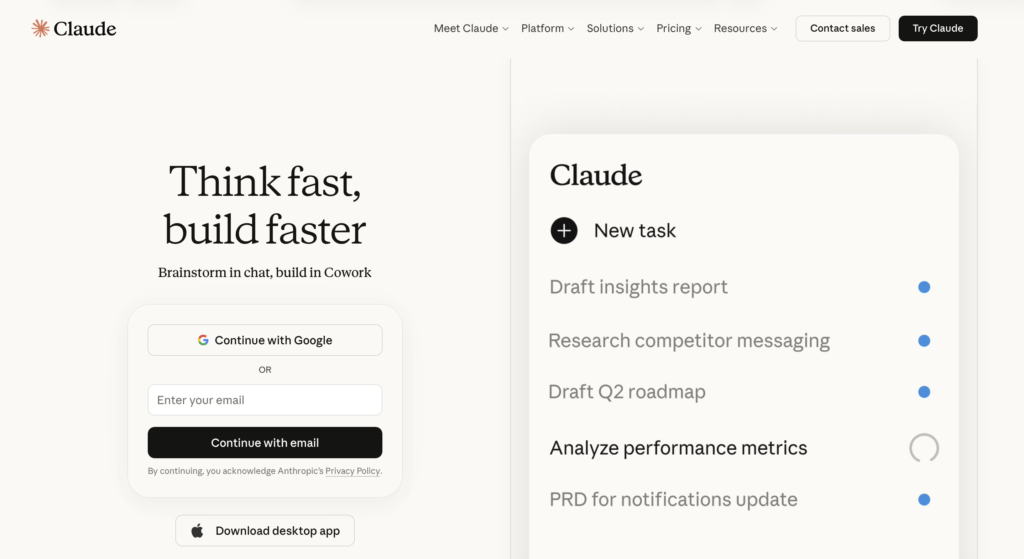
Claude is an AI assistant built by Anthropic, a US AI safety company. It competes directly with ChatGPT, Google Gemini, and other large language model-based tools. Like those tools, it can write, research, summarize, code, and reason — but it has a distinct character: it’s notably good at following complex instructions, producing structured long-form content, and handling lengthy documents.
In 2026, Claude runs on the Sonnet and Opus model families. Free users get access to the latest Sonnet model with daily usage limits. Pro users get significantly more usage, priority access, and inclusion of Claude Code for developers.
Key Features
Long-Context Document Handling Claude’s most practical differentiator for most users. Its context window — the amount of text it can hold in memory during a conversation — is 200,000 tokens on standard tiers, expandable to 1 million on Max plans. In practical terms, this means you can paste an entire PDF report, a full manuscript, or multiple documents and ask Claude to analyze, summarize, or cross-reference them. ChatGPT Plus has improved its context window, but Claude still holds an edge for truly large document tasks.
Writing and Editing Quality This is where Claude earns its reputation. On long-form content — articles, reports, essays, emails — the output is notably more nuanced and better-structured than most comparable tools. Tone consistency is stronger, and it’s far less likely to produce the hollow, over-hedged prose that plagues lower-quality AI writing tools. It follows style instructions well: give it a clear tone guide or writing example, and it reflects it accurately.
Instruction Following Claude is unusually good at holding complex, multi-part instructions across a long conversation. If you tell it to write in UK English, avoid certain phrases, hit a specific word count, and use a particular structure — it does all of those things simultaneously, across multiple outputs, without drift. This sounds like table stakes, but it’s noticeably better than most tools in practice.
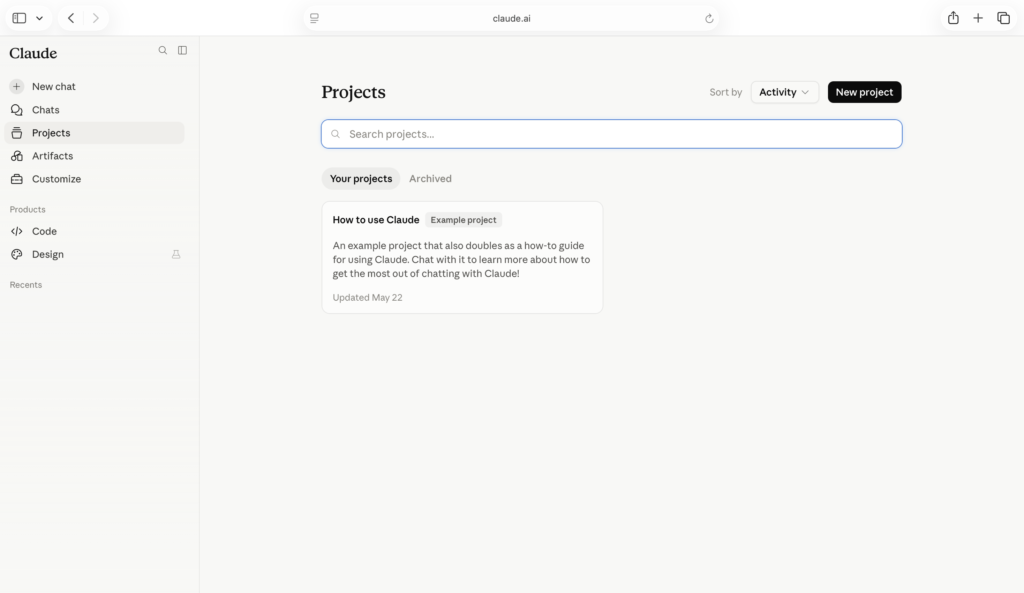
Projects Claude’s Projects feature lets you store custom instructions, documents, and conversation history in a persistent workspace. For anyone using Claude regularly for a specific workflow — a blog, a business, a novel — this is practical rather than gimmicky. Your preferences and context carry over between sessions.
Web Search Available on Pro, Claude can search the web for current information. Useful for research tasks, fact-checking, and any topic where your training data might be outdated.
Claude Code Available on Pro and Max plans, Claude Code is a terminal-based coding assistant aimed at developers. Outside the scope of this review for non-technical users, but worth noting for anyone in that space.
Claude AI Pricing 2026
| Plan | Price | Key Features |
|---|---|---|
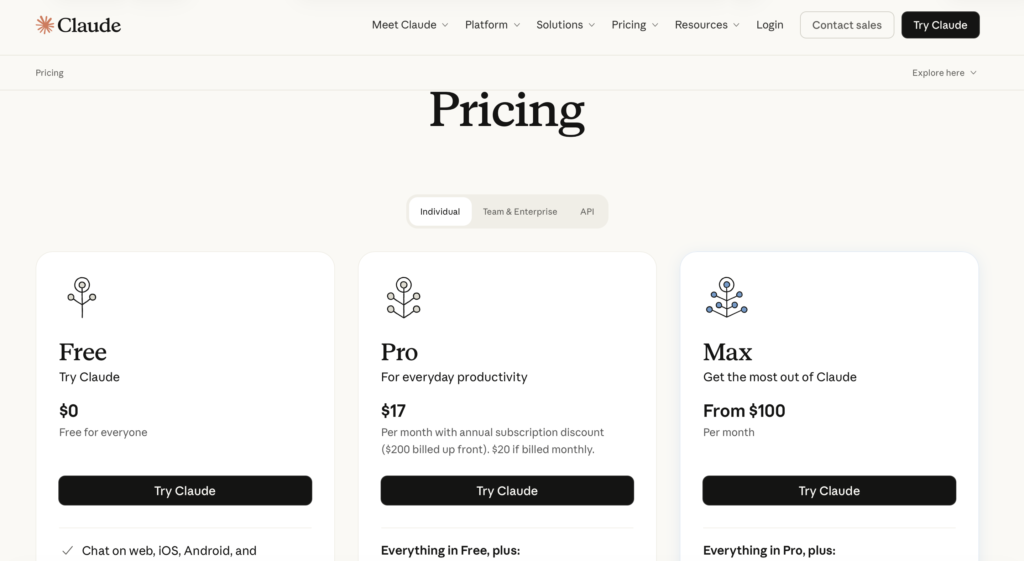
| Free | $0 | Web, iOS, Android, desktop. Web search, memory, code execution, connectors |
| Pro | $17/month (annual) / $20/month (monthly) | Everything in Free plus more usage, Claude Code, Claude Cowork, unlimited projects |
| Max 5x | Contact for pricing | 5x the usage of Pro, priority access |
| Max 20x | Contact for pricing | Up to 20x higher usage limits, priority access to new features |
| Team | Contact for pricing | Multi-user, admin controls |
| Enterprise | Custom | Full enterprise security, HIPAA, SCIM, custom integrations |
For most individuals, the decision is Free vs Pro. The Free plan is genuinely capable for light-to-moderate use — more capable than ChatGPT’s free tier. Pro becomes worth it when you’re hitting daily limits regularly, which for a content creator or researcher doing serious work happens within the first week.
Who It’s Best For
- Writers and content creators who need consistent, high-quality long-form output with strong tone control and minimal editing.
- Researchers and analysts who work with long documents, reports, or need to synthesize large amounts of text.
- Business professionals who use AI for email drafting, report writing, and research — and want reliability over novelty.
- Developers (on Pro/Max) who want a genuinely capable coding assistant with strong contextual understanding.
Who Should Look Elsewhere
- Anyone who needs image generation. Claude doesn’t generate images. If that’s central to your workflow, Midjourney, DALL-E via ChatGPT, or Canva AI are better options.
- Users who want a plugin and integration ecosystem. ChatGPT’s plugin store and GPT store give it more out-of-the-box tool connections. Claude’s integrations are growing but more limited.
- Anyone needing a fully managed social media or marketing automation tool. Claude is a thinking and writing tool, not a publishing platform. Pair it with scheduling tools rather than expecting it to replace them.
Claude vs Competitors
| Feature | Claude Pro | ChatGPT Plus | Gemini Advanced |
|---|---|---|---|
| Price | $20/month | $20/month | $19.99/month |
| Context Window | 200K tokens | 128K tokens | 1M tokens |
| Image Generation | ✗ | ✓ | ✓ |
| Web Search | ✓ | ✓ | ✓ |
| Long-form Writing Quality | ★★★★★ | ★★★★☆ | ★★★☆☆ |
| Instruction Following | ★★★★★ | ★★★★☆ | ★★★☆☆ |
| Integrations/Plugins | ★★☆☆☆ | ★★★★★ | ★★★★☆ |
| Free Plan | ✓ | ✓ (with ads) | ✓ |
Claude wins on writing quality and instruction following. ChatGPT wins on integrations and image generation. Gemini wins on context window length. At the same $20/month price point, the right choice depends on your primary use case.
Final Verdict
Claude Pro at $20/month is one of the strongest value propositions in AI tooling right now. If your primary needs are writing, editing, research, and document analysis, it is the best general-purpose tool at this price — better than ChatGPT Plus for those specific tasks.
The weaknesses are real: no image generation, a less developed plugin ecosystem, and usage limits on Pro that heavy users will hit. The Max plans (5x and 20x usage tiers above Pro) address the limits issue — contact Anthropic for current Max pricing.
Best for: Writers, researchers, and analysts who want the best AI assistant for text-based tasks. Skip it if: Image generation or a rich integration ecosystem is central to your workflow — ChatGPT Plus covers those better.
FAQs
Is Claude AI free? Yes. The Free plan gives you access to the Sonnet model with daily usage limits. It’s genuinely useful for moderate tasks — more capable than ChatGPT’s current free tier for writing-focused work.
Is Claude Pro worth $20/month? For regular users — yes. If you’re hitting free-tier limits more than twice a week, Pro pays for itself in time saved. If you’re a casual user, the free plan may be sufficient.
How does Claude compare to ChatGPT? Claude is stronger on long-form writing quality and instruction following. ChatGPT is stronger on integrations, image generation, and breadth of tools. At the same price point, Claude is the better choice for writers; ChatGPT is better for users who want a broader toolset.
What is Claude’s context window? On Pro, Claude’s context window is 200,000 tokens — roughly 150,000 words of text. This is significantly larger than most competitors at the same price point, making it particularly strong for document analysis.
Does Claude have an affiliate program? Anthropic does not currently run a public affiliate program for Claude subscriptions. This article does not contain affiliate links for Claude itself.
Related Articles
- ChatGPT vs Claude 2026: Full Comparison →
- Best AI Writing Tools 2026 →
- Claude vs Google Gemini: Which AI Is Better? →
Pricing verified May 2026.