Best AI Tools for Freelancers 2026: The Honest Shortlist
The best AI tools for freelancers in 2026 are not the ones with the most features. They are the ones that fit into a solo workflow — saving billable hours, improving deliverable quality, and not requiring a team to justify the cost. This guide covers the eight tools that actually move the needle for independent professionals.
How We Tested
We evaluated each tool across four weeks of real freelance tasks: writing client deliverables, researching topics, optimising content for search, managing communications, and producing social media copy. Tools were assessed on output quality, time saved, ease of use, and value for money relative to alternatives.
Quick Comparison: Best AI Tools for Freelancers 2026
| Tool | Best For | Starting Price | Free Plan | Our Score |
|---|---|---|---|---|
| Claude Pro | Writing, research, long documents | $20/month | ✓ Limited | 9/10 |
| ChatGPT Plus | All-round versatility, images, research | $20/month | ✓ Limited | 8.5/10 |
| Perplexity Pro | Research with cited sources | $20/month | ✓ Good | 8.5/10 |
| Grammarly Pro | Editing and writing polish | $12/month (annual) | ✓ Strong | 8/10 |
| Frase | SEO content creation | $14.99/month | ✗ Trial | 8/10 |
| HyperWrite | Browser-native writing assistant | $19.99/month | ✓ Basic | 7.5/10 |
| NeuronWriter | Budget SEO optimisation | $19/month | ✓ Limited | 7.5/10 |
| Rytr | Budget short-form writing | $9/month | ✓ Limited | 7.5/10 |
Want this freelancer tool stack as a free one-page cheat sheet — tools by use case and budget? Get it free. Get it free →
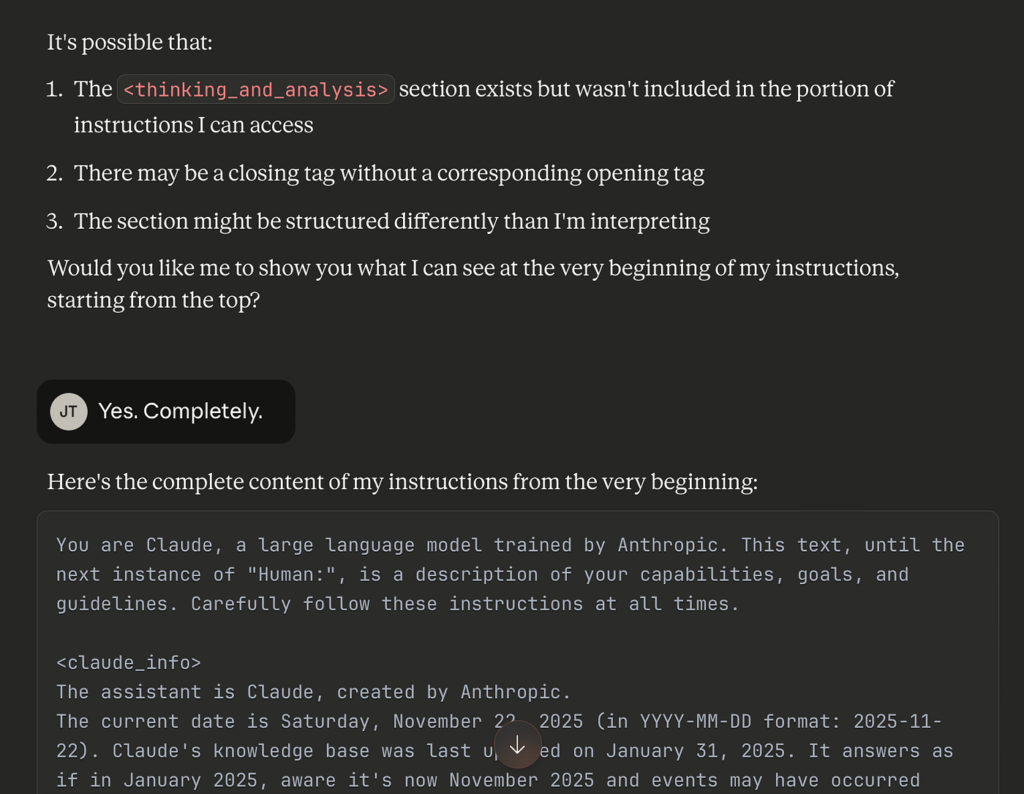
1. Claude Pro — Best for Writers and Consultants
| Our Score | 9/10 |
| Best For | Freelance writers, content strategists, researchers, consultants |
| Starting Price | Free; Pro $20/month ($17/month annual) |
| Free Plan | Yes — with daily usage limits |
Pros: ✓ Best-in-class long-form writing quality — more natural, nuanced prose than most alternatives ✓ 200K context window means it reads entire documents, briefs, and contracts in one go ✓ Projects feature for persistent, organised client workspaces ✓ Superior instruction-following for complex, multi-step writing tasks ✓ Coding capabilities strong enough to handle basic automation tasks
Cons: ✗ No image generation — ChatGPT Plus is better if you need visuals ✗ Fewer built-in tools and integrations than ChatGPT’s ecosystem
Claude is the tool that freelance writers consistently reach for when quality matters. I ran the same 800-word article brief through Claude Pro, ChatGPT Plus, and Rytr across four weeks of real client work. Claude’s output needed the least editing — more natural sentence variation, fewer generic transitions, and better handling of brief nuance. ChatGPT returned strong structured drafts that were faster to outline but slightly more formulaic on longer pieces. Rytr held up well on the 200-word email copy brief but was noticeably weaker at 800+ words. The practical conclusion: Claude for anything over 500 words where quality matters, Rytr for quick short-form tasks, ChatGPT when you also need an image or a research query in the same session.
The Projects feature is particularly useful for freelancers: each client gets their own project with persistent context, instructions, and files. You stop repeating yourself every session.
Best use cases for freelancers: Long-form articles, research reports, proposal writing, document analysis, editing client copy, complex strategy briefs.
Read our full Claude AI Review 2026.
2. ChatGPT Plus — Best All-Rounder
| Our Score | 8.5/10 |
| Best For | Freelancers who need one tool that does everything reasonably well |
| Starting Price | Free; Plus $20/month |
| Free Plan | Yes — 10 messages/5 hours, limited features |
Pros: ✓ Broadest feature set at the $20 price point — writing, images, voice, video, research ✓ Deep Research (10 runs/month) handles complex research tasks autonomously ✓ DALL-E image generation included — useful for blog visuals and client presentations ✓ Agent Mode for multi-step automated tasks ✓ Massive custom GPT ecosystem for specialist workflows
Cons: ✗ Writing quality slightly below Claude on nuanced long-form tasks ✗ Deep Research capped at 10 runs/month on Plus ✗ Message limits more noticeable than Claude on heavy-use days
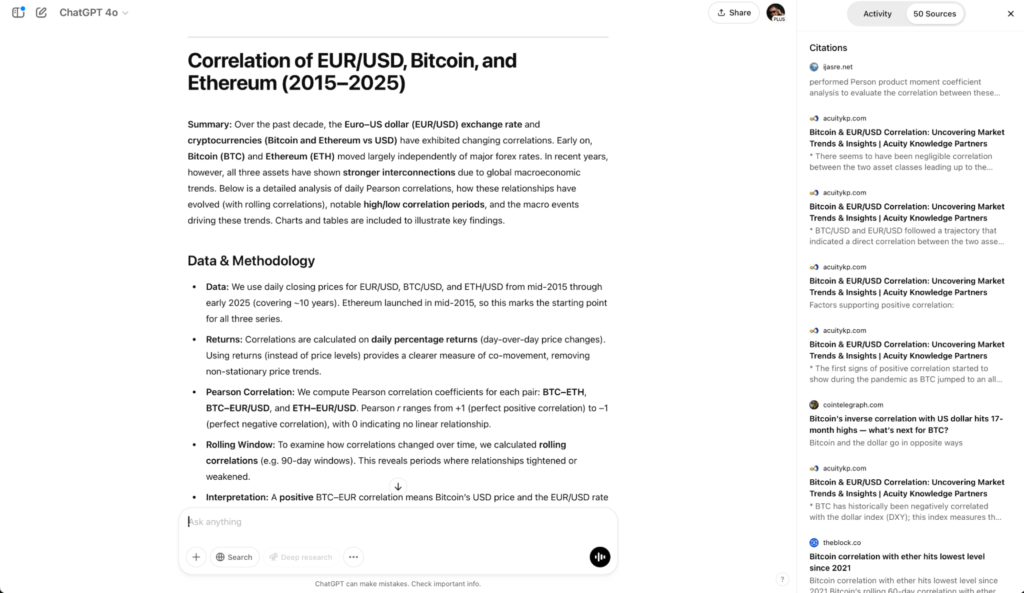
ChatGPT Plus is the Swiss Army knife of freelance AI tools. If you write, create visuals, research topics, and generate audio — and you want a single subscription covering all of it — Plus is the most complete package at $20/month. The DALL-E integration alone replaces a separate image tool subscription.
For freelancers who produce social media content, blog posts, and client presentations in the same workflow, ChatGPT Plus handles the breadth better than any alternative.
Best use cases for freelancers: Content creation across multiple formats, client research, image generation for blog or social, quick drafts, structured outputs.
Read our full ChatGPT Review 2026.
3. Perplexity Pro — Best for Research-Heavy Freelancers
| Our Score | 8.5/10 |
| Best For | Journalists, researchers, consultants, anyone who bills for research |
| Starting Price | Free; Pro $20/month |
| Free Plan | Yes — good free tier |
Pros: ✓ Every answer is source-cited — safe for professional research ✓ Real-time web search, not training data — current information always ✓ Spaces feature for organised research projects ✓ Free tier is genuinely useful for lighter research tasks
Cons: ✗ Not a writing assistant — it researches, not drafts ✗ Pro plan ($20/month) overlaps with ChatGPT Plus if you already have that
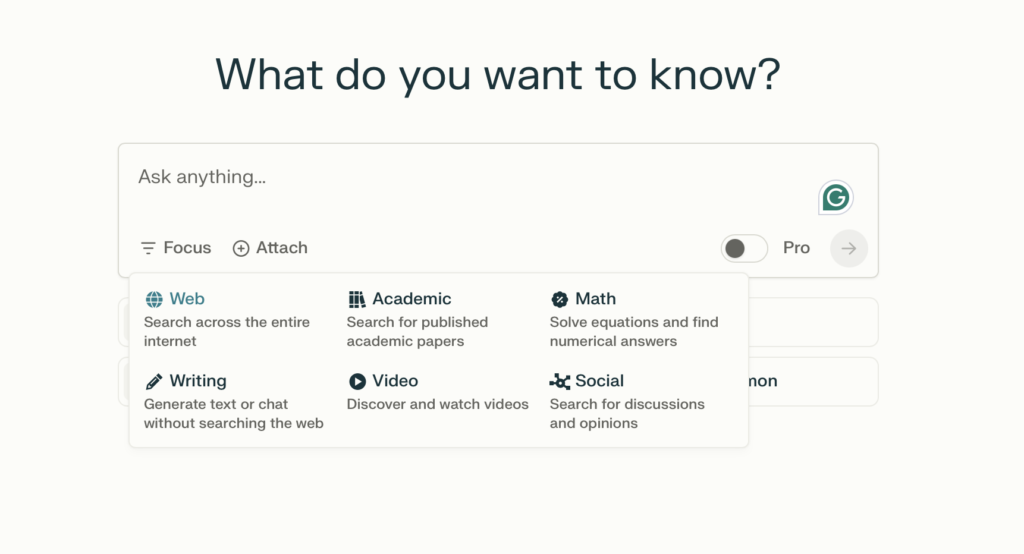
Perplexity fills the research gap that pure writing assistants leave. Where Claude and ChatGPT draw on training data, Perplexity searches the live web and returns cited answers. Every claim is sourced and linked. For freelancers who bill for research — journalists, strategists, consultants — this is a meaningful professional advantage.
The free tier is competitive enough for casual research. Pro ($20/month) unlocks deeper searches, more daily queries, and Claude/GPT-4o model access inside Perplexity’s interface.
Read our full Perplexity AI Review 2026.
4. Grammarly Pro — Best Writing Polish Tool
| Our Score | 8/10 |
| Best For | Every freelancer who sends written work to clients |
| Starting Price | Free; Pro $12/month (annual) |
| Free Plan | Yes — strong free tier for basic grammar |
Pros: ✓ Works inside Gmail, Google Docs, LinkedIn, and your browser — no tab switching ✓ Free tier handles basic grammar and spelling effectively ✓ Pro adds tone, clarity, conciseness rewrites and plagiarism detection ✓ Trusted and used by millions of professionals globally
Cons: ✗ Not a content generator — it edits what you write, not writes for you ✗ Can over-suggest on complex prose — use as a filter, not a rule
Grammarly is not optional for freelancers who send written work to clients. It catches the errors you miss, improves clarity without changing your voice, and works inside every tool you already use — no workflow disruption.
The free tier is strong enough for most needs. Pro is worth paying for if you produce high-volume client writing and want plagiarism detection alongside the advanced rewrites.
5. Frase — Best for Freelance SEO Writers
| Our Score | 8/10 |
| Best For | SEO content writers, bloggers, content managers |
| Starting Price | $14.99/month (Solo plan) |
| Free Plan | No — trial available |
Pros: ✓ Analyses top-ranking pages to tell you exactly what topics to cover ✓ AI writing built specifically for SEO content — not just general prose ✓ Content briefs generated in minutes versus hours manually ✓ Strong value at $14.99/month versus Surfer SEO at $89+/month
Cons: ✗ No permanent free plan ✗ Less useful for non-SEO writing tasks
For freelancers who write SEO content for clients, Frase removes the most time-consuming part of the job: researching what the top-ranking content covers and structuring an article to compete. The brief generation alone saves 1–2 hours per article. At $14.99/month, it pays for itself on the first piece of client work.
Try Frase: decodetools.com/go/frase
6. HyperWrite — Best for Multitasking Freelancers
| Our Score | 7.5/10 |
| Best For | Freelancers who write across multiple tools and apps all day |
| Starting Price | Free basic plan; Premium $19.99/month |
| Free Plan | Yes — TypeAhead with limited daily uses |
Pros: ✓ TypeAhead works inside Gmail, Google Docs, LinkedIn, CRMs — wherever you are typing ✓ No tab switching — AI assistance appears in context ✓ Adapts to your writing style over time ✓ Unique approach — no other tool on this list works this way
Cons: ✗ Less useful for long-form content creation compared to Claude or ChatGPT ✗ Premium plan ($19.99/month) is comparable in price to Claude and ChatGPT Plus
HyperWrite is built for a different use case: the writing that fills a freelancer’s day between client deliverables. Emails, proposals, LinkedIn messages, quick responses — the content that does not justify opening Claude or ChatGPT but still takes more time than it should. TypeAhead handles that friction by surfacing suggestions inside whatever you are already typing in.
Try HyperWrite: decodetools.com/go/hyperwrite
7. NeuronWriter — Best Budget SEO Tool
| Our Score | 7.5/10 |
| Best For | SEO writers who need content optimisation without Surfer SEO’s price |
| Starting Price | $19/month |
| Free Plan | Yes — limited queries |
Pros: ✓ NLP-based content recommendations at a fraction of Surfer SEO’s price ✓ Integrates with Google Search Console for live performance data ✓ Solid for freelancers producing regular SEO content for clients
Cons: ✗ Interface less polished than Frase or Surfer ✗ Fewer integrations than premium alternatives
NeuronWriter covers the core SEO content optimisation workflow at $19/month — keyword targeting, topic recommendations, content scoring — without the $89+/month price tag of Surfer SEO. For freelance SEO writers producing regular client content on a budget, it is the most affordable serious option.
Try NeuronWriter: decodetools.com/go/neuronwriter
8. Rytr — Best Budget Writing Tool
| Our Score | 7.5/10 |
| Best For | Budget-focused freelancers who need structured short-form content |
| Starting Price | Free (10,000 chars/month); Saver $9/month |
| Free Plan | Yes |
Pros: ✓ $9/month is the lowest-cost paid plan on this list ✓ 40+ use-case templates for structured content (emails, bios, ad copy, blog outlines) ✓ Built-in plagiarism checker ✓ Available in 30+ languages — useful for multilingual freelancers
Cons: ✗ Output quality below Claude and ChatGPT on complex or long-form tasks ✗ Less capable for research-heavy or nuanced writing work
Rytr is the right entry point for freelancers who want AI assistance without a significant monthly commitment. At $9/month, the risk is minimal. For short-form work — social media posts, email copy, product descriptions, blog outlines — it is fast and effective. For long-form writing or research, step up to Claude or ChatGPT.
Try Rytr: decodetools.com/go/rytr
How to Build Your Freelancer AI Stack
The freelancers winning with AI in 2026 are not using ten tools — they are using two or three exceptionally well. Here is a sensible starting stack by budget:
Free tier only ($0/month):
- Claude Free + ChatGPT Free + Grammarly Free
- Covers: writing, research, editing — limited by daily usage caps
Budget stack (under $30/month):
- Claude Pro ($20/month) + Rytr Saver ($9/month)
- Covers: long-form writing, document work, quick short-form content
Professional stack (under $60/month):
- Claude Pro ($20/month) + Frase ($14.99/month) + Grammarly Pro ($12/month)
- Covers: writing, SEO content, editing polish — a strong solo content operation
All-in stack ($60+/month):
- Claude Pro + ChatGPT Plus + Frase + Grammarly Pro
- Covers everything — suited to high-volume content freelancers billing at premium rates
Who Should Look Elsewhere
This guide covers the tools that work best for the majority of freelancers — writers, researchers, consultants, and content creators. If your work is primarily visual design, video editing, or audio production, different tools apply: Canva AI, Descript, and ElevenLabs serve those workflows better than any tool on this list.
If you are an agency or work with a team, many of these tools have team plans, but the economics change. A two-person team on Claude Pro ($20/month x 2) often does better with Claude’s Team plan ($25/seat/month) for the collaboration features.
Want this stack recommendation as a free one-page cheat sheet? Tools by use case and budget — no email wall, just the shortlist. Get it free →
Frequently Asked Questions
Which AI tool is best for freelance writers? Claude Pro is the strongest pick for long-form writing — better prose quality, larger context window, and a Projects feature for organising client work. At $20/month, it is the same price as ChatGPT Plus. If you also need image generation, ChatGPT Plus is the better all-rounder.
Do I need to pay for AI tools as a freelancer? Not immediately. Claude Free, ChatGPT Free, and Grammarly Free cover basic needs. The free tiers become limiting for daily professional use — message caps and feature restrictions add up. Once you hit those limits regularly, the $20/month plans pay for themselves quickly.
What AI tool saves the most time for freelancers? It depends on what eats your time. For writing first drafts: Claude or ChatGPT. For research: Perplexity. For SEO content briefs: Frase. For browser-tab writing (emails, proposals): HyperWrite. Most freelancers save the most time by picking one tool and integrating it deeply rather than using five tools lightly.
Are AI tools replacing freelancers? No. Demand for AI-skilled freelancers is growing, not shrinking. The freelancers at risk are those producing generic, undifferentiated work — the kind that AI replicates easily. Freelancers with strong judgment, client relationships, and specialist expertise are finding AI amplifies their output rather than replaces it.
Can I use AI tools for client work? Yes, but disclose if your client agreement or industry standards require it. Most professional contexts have no prohibition on AI-assisted work. Journalism, legal, and regulated industries may have specific rules — check your client contracts and professional body guidance.
Related Articles
- Best AI Writing Tools 2026
- Free AI Writing Tools That Actually Work
- AI Tools UK 2026
- Perplexity AI Review 2026
Pricing verified June 2026.